
Getting Started
Step 1
Add Obbie to a Server
To add Obbie to a server you will need to go to the invite page, https://obbie.xyz/invite. Then follow the steps on screen and allow Obbie to join your server.
Step 2
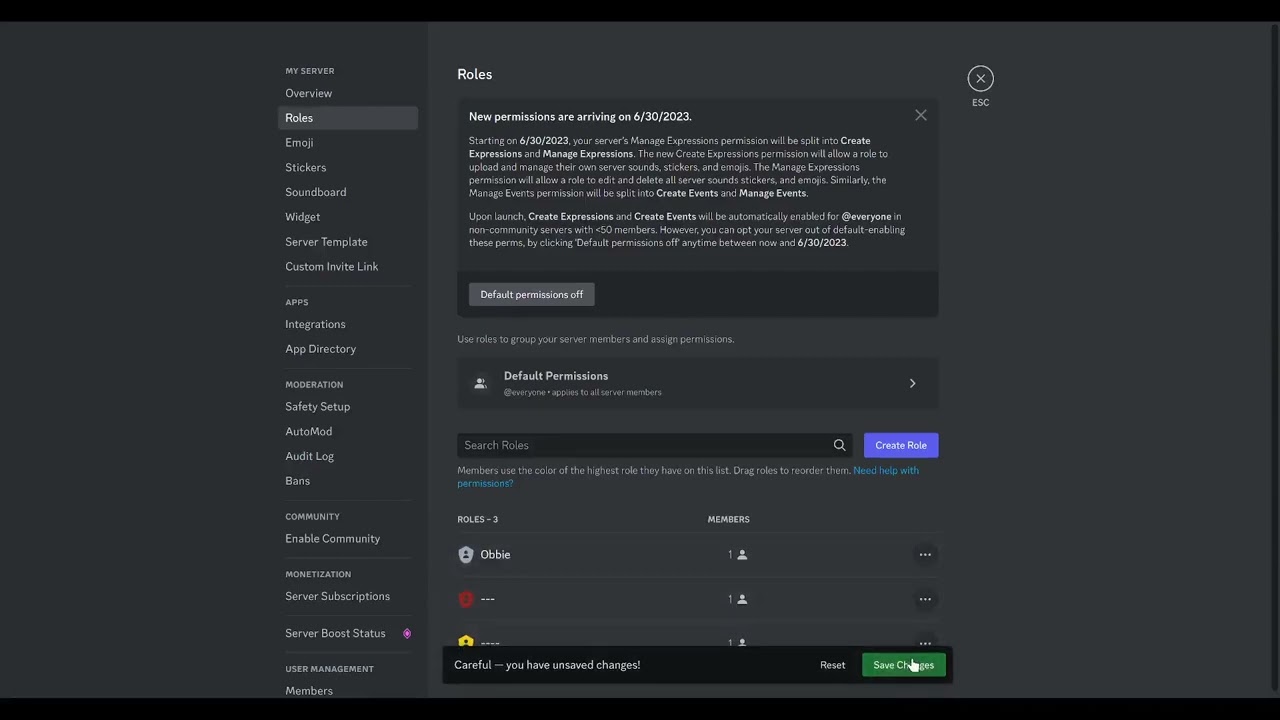
Granting Permissions
Obbie needs permissions to perform actions in your server. To grant Obbie these permissions, please view the video below.
Step 3
Server Selection Page
Now that you have added Obbie to a server, and granted it permissions, return to the tab you opened the invite page.

You should see the server selection page, if not, try navigating to https://obbie.xyz/login.
Going to the dashboard
Now that you see your server on the server selection page, click on your servers icon, you should be taken to your servers dashboard.